In-app promotion
Put your cars where buyers are already looking.
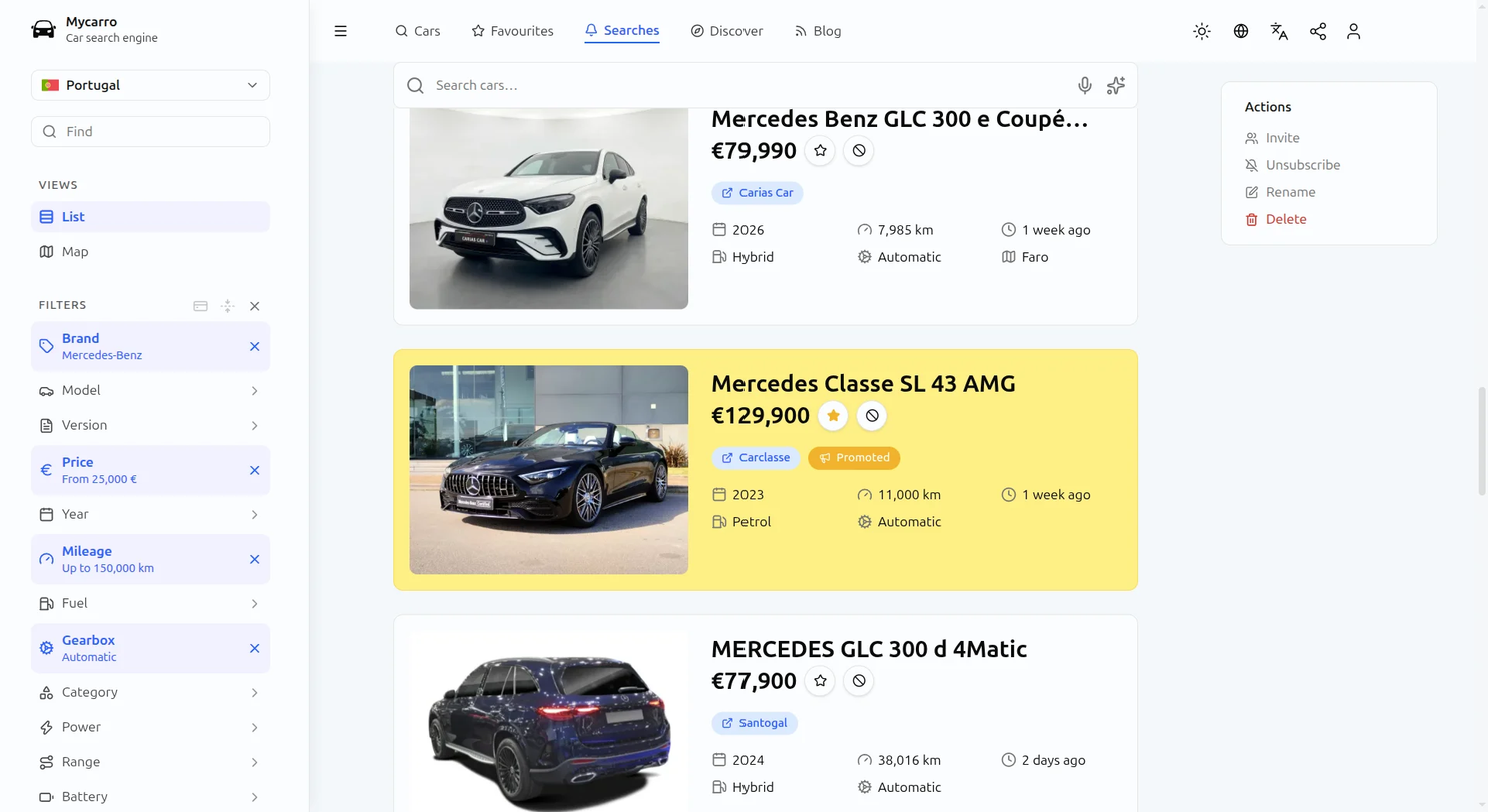
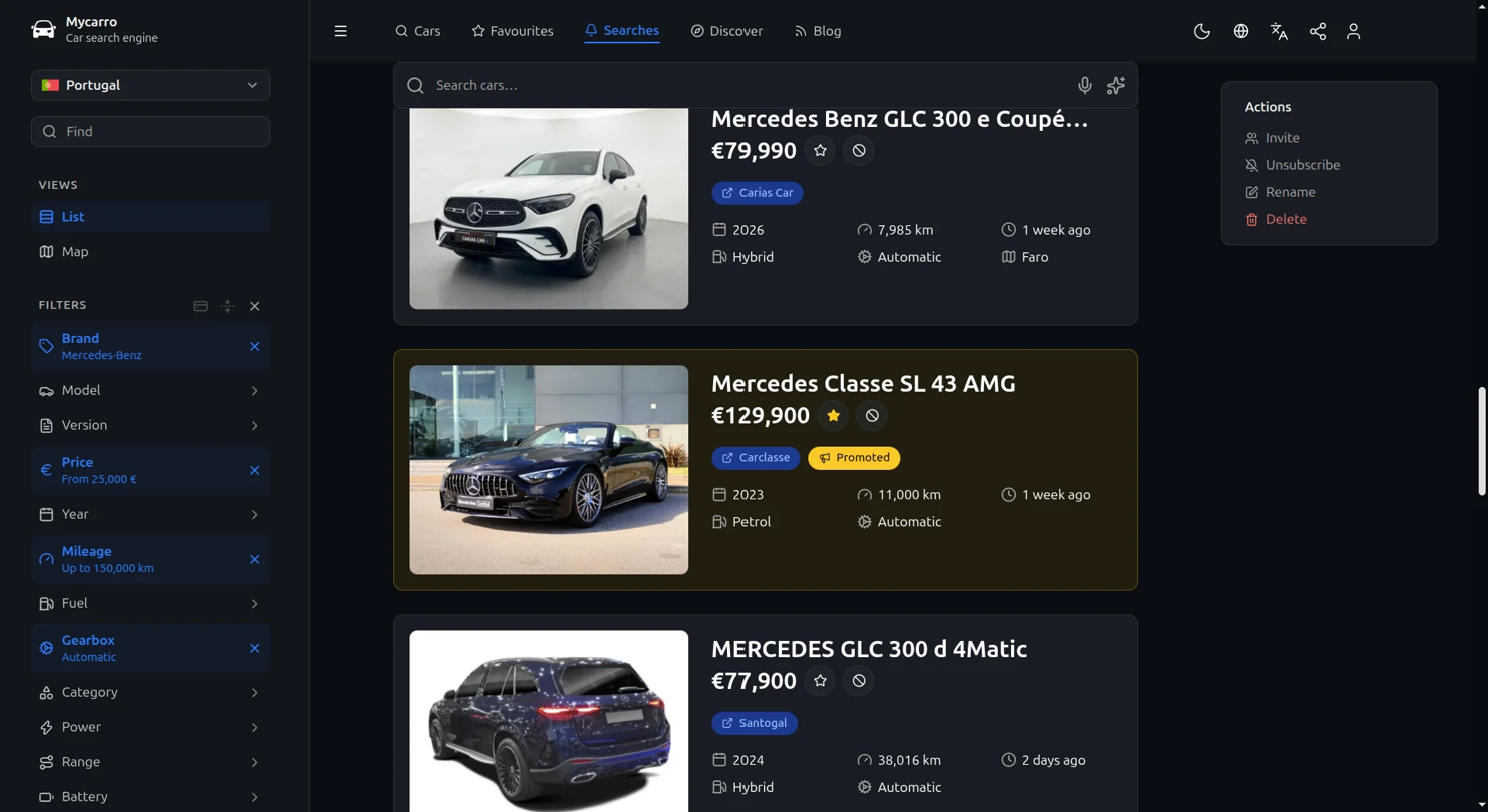
Promote chosen cars in the search results of the Mycarro website and app, where buyers are already comparing.
In-app promotion
From your dashboard to the buyer's screen.
Each promotion counts against your plan, and you can stop one at any time to free it for another car.
01
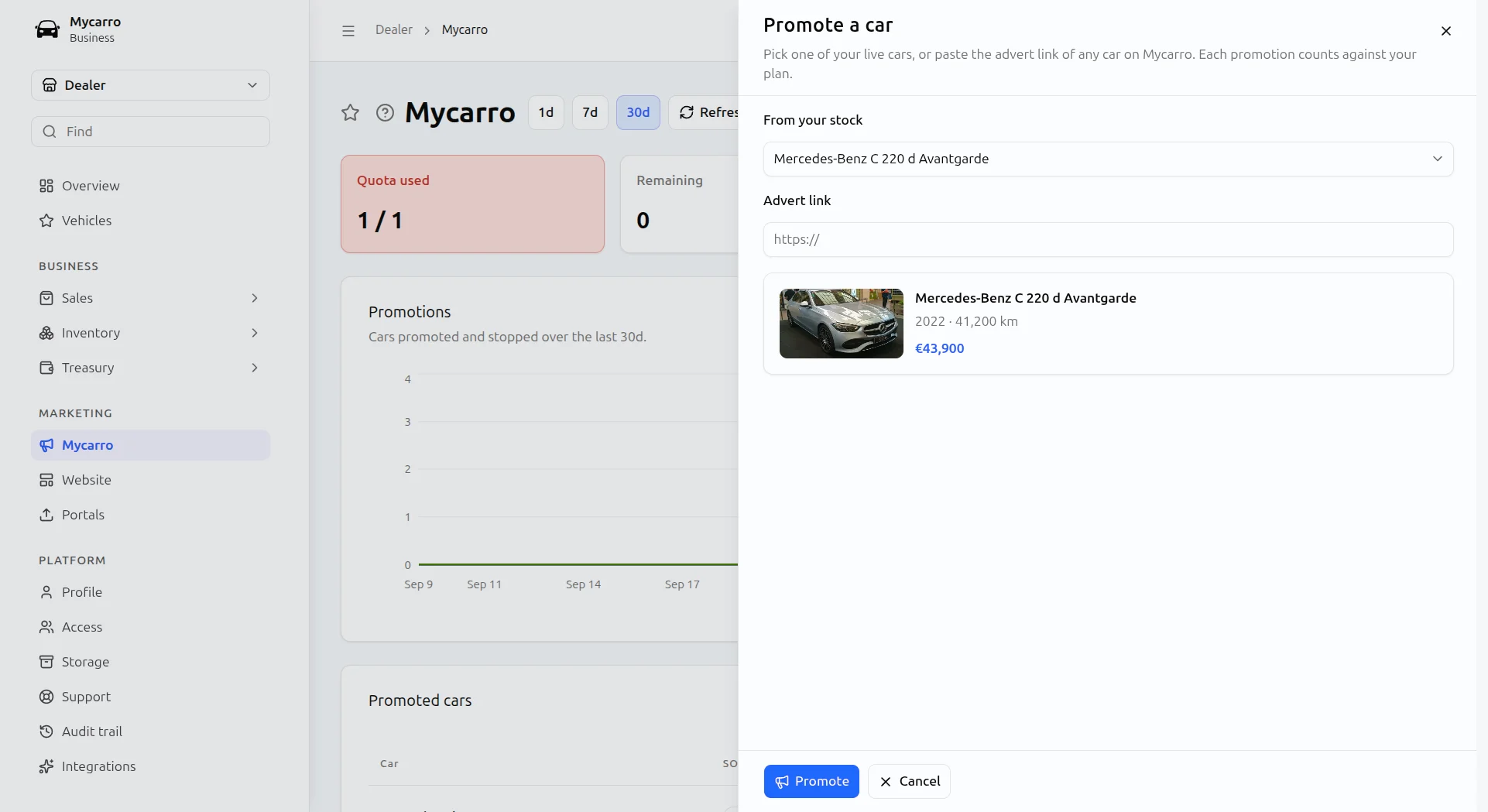
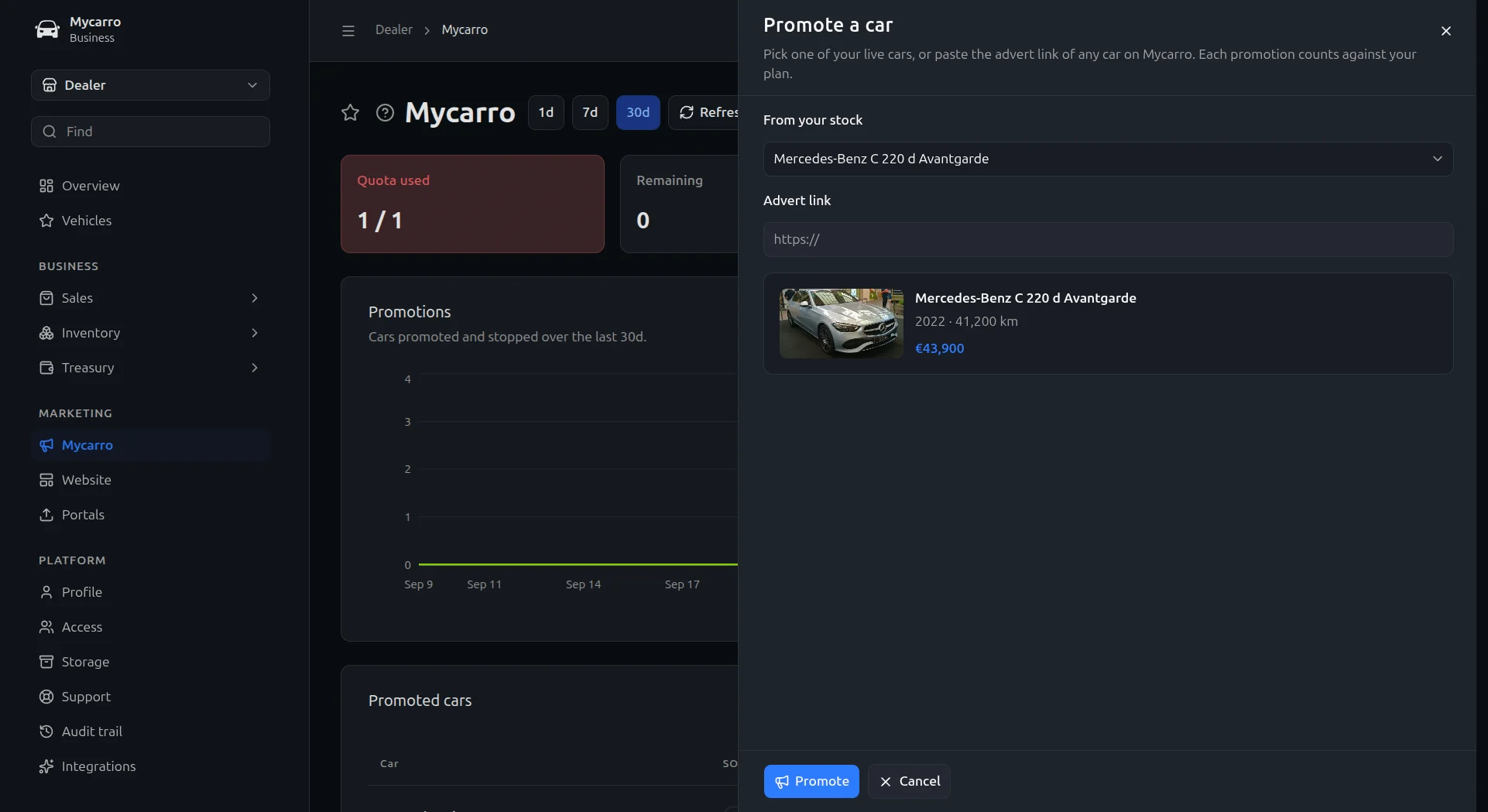
Pick the car you most need to sell
Choose one of your live cars, or paste the advert link of any car on Mycarro, and check it before you promote it.
- Your own stock, straight from your inventory.
- Any car on Mycarro, by its advert link.
- A preview with its photo, year, mileage and price.
02
See what each promotion brings in
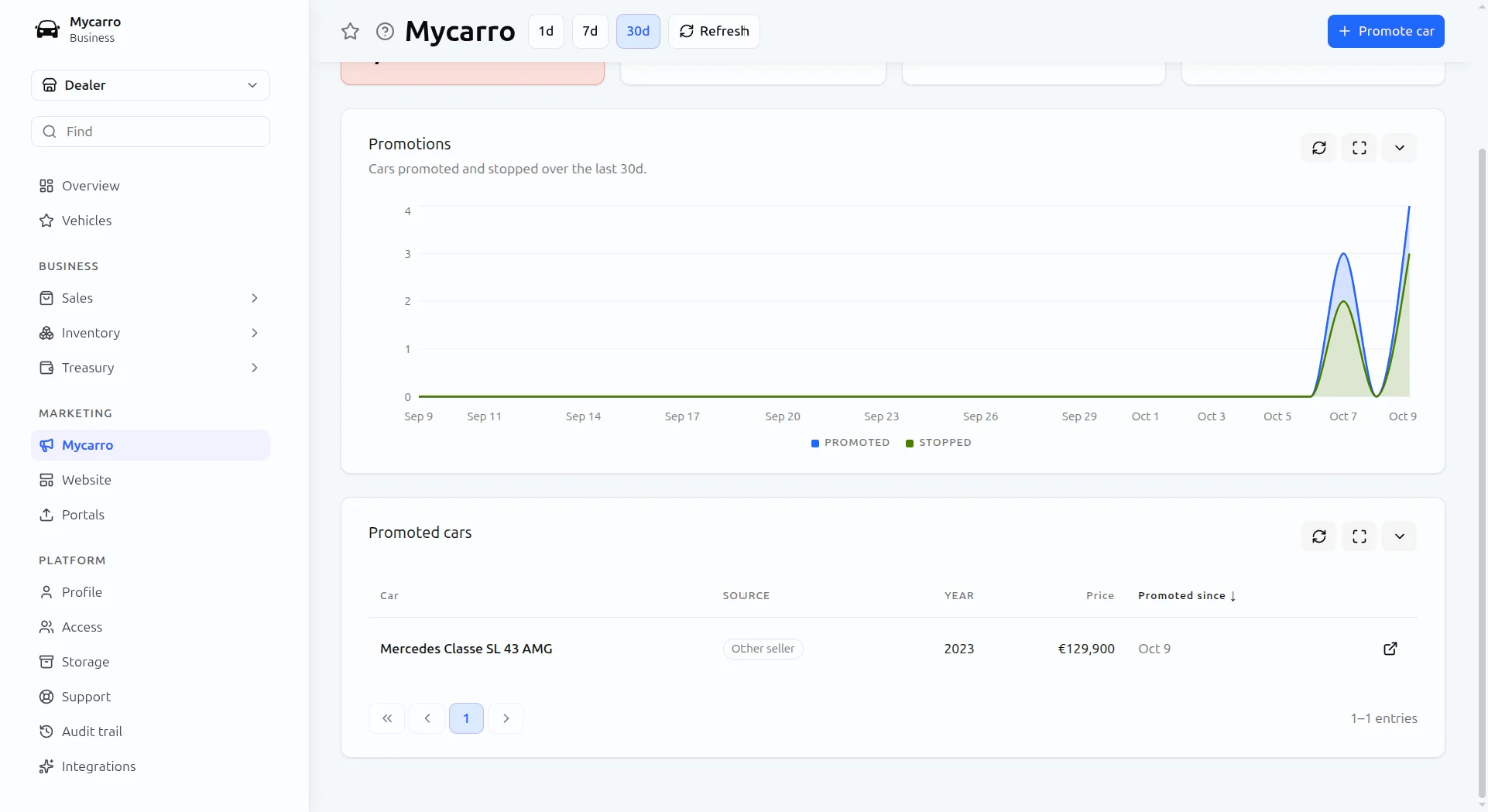
Your promoted cars, your quota and a chart of promotions over time sit on one page, and each car shows the views it has had since.
- Views and visitors since the car was promoted.
- Views per day against before the promotion.
- Stop a promotion to free it for another car.
In-app promotion
How in-app promotion works
Pick the cars you most need to sell. They show in the searches that match them, highlighted, on the website and in the app, and you see what each one brings in.
In matching searches
Promoted cars are placed in the searches that match them.
Highlighted listings
Stand out in the results with a highlighted card.
Web and app
One promotion runs on the website and in the app.
Results you can see
Views and visitors for every promoted car.
Ready to see it with your own stock?
A thirty-minute call, a demo on your own cars, and a price.